Bayou Thread Systems builds custom territory tools for sales organizations that sell in the field, on the phone or both. We draw the boundaries from your own data, connect them to lead routing and rep activity, and give managers a map that shows where reps are working and where nobody has been.
Signs your territory lines have stopped working
Territories rarely fail in one dramatic moment. They drift. A rep leaves and their zip codes get split informally. A new subdivision opens in Cypress and two reps both claim it. A big account moves offices and nobody updates the owner.
By the time a manager notices, the damage shows up as duplicate visits, missed follow-ups and arguments over credit. Customers get two calls in one week, or none at all, and they rarely tell you which. These are the patterns sales leaders describe most often:
- Two reps call on the same customer, and the customer notices.
- Leads sit unassigned because the address falls between two areas.
- Nobody can say which neighborhoods have gone unworked lately.
- Territory changes happen in chat messages and never reach the CRM.
- Commission disputes begin with the question of who owned the account.
Drawing territories from your own data
A territory can be a list of zip codes, a shape drawn on a map, a set of named accounts or a mix of all three. We model whichever definitions your team actually uses, rather than forcing every region into one pattern.
For field teams, the map comes first. Managers draw or adjust boundaries directly on screen, and the system checks for gaps and overlaps before the change is saved. For account-based teams, territories can follow industry, company size or a named list, with the map as a secondary view.
Good territory management software for a Houston team also has to keep up with how the metro grows. Master-planned communities in Fort Bend and Montgomery counties keep adding streets and rooftops, so boundaries need to be easy to revise without rewriting history.
- 1 Lead arrives
- 2 Address matched
- 3 Owner assigned
- 4 Rep works it
- 5 Coverage updates
Assigning reps and routing new leads
Once boundaries exist, every new lead can find its owner automatically. An address is matched to a territory, the territory points to a rep or team, and the lead lands in that person's queue along with the reason it was assigned.
Real teams need exceptions, so we build them in. A named account can stay with its rep even if it sits inside someone else's area. A lead can go to a backup rep when the owner is out. Unmatched addresses go to a short review list instead of disappearing.
Every assignment is recorded with the rule that produced it. When a question comes up later about who owned a deal, the answer is in the history rather than in somebody's memory.
Routing can also respect capacity. If one rep already has more open leads than they can reach, new ones can overflow to a teammate in a neighboring area, and the manager sees that it happened. Speed matters here: the first rep to respond often wins the customer, so leads should not wait in a shared inbox for someone to claim them.
✕Territory lines live in a spreadsheet one manager updates
✓Boundaries live on a shared map with change history
✕New leads wait while someone works out who owns the address
✓Leads route to the territory owner as they arrive
✕Two reps visit the same customer in the same week
✓Overlaps are caught before a boundary is saved
✕Nobody knows which neighborhoods have gone unworked
✓Untouched areas are highlighted on the coverage map
✕Territory changes are announced in a group chat
✓Dated changes tell each rep exactly what is now theirs
Rebalancing territories without starting a fight
Sooner or later the lines need to move. A top rep is carrying too much, a new hire needs a starting area, or a region has been worked so hard it needs a rest. We give managers a way to plan those changes before they go live.
A draft change lists which accounts, open deals and booked appointments would move, and to whom. Managers decide how open work is handled, for example letting the current rep finish deals already in progress. The change takes effect on a chosen date, and each rep gets a clear list of what is now theirs.
Because every version of the map is kept, reports and commissions can always be read against the boundaries that applied at the time. A deal closed before the change still credits the rep who owned the area then, which removes one of the most common sources of month-end disputes.
Coverage, activity and gaps on one map
Territory management software earns its place in a Houston sales office when managers can see what is happening inside each boundary. We combine territory lines with the activity your team already records: visits, calls, appointments, proposals and closed deals.
A sales manager in Pearland can open the map and see which streets were knocked recently, which have open appointments and which have not been touched at all. A regional leader in the Houston office can compare territories by the same measures, so conversations about performance start from shared facts.
- Untouched areas highlighted so they can be assigned or scheduled
- Activity and results grouped by territory, team and rep
- Open leads by territory, with how long each one has waited
- History of every boundary change and who approved it
The system handles
- Matching addresses to territories
- Routing leads to owners
- Flagging untouched areas
Your people decide
- Drawing and approving boundaries
- Named account exceptions
- Coaching reps on coverage
How a territory project comes together
Our process runs through Discover, Design, Build, Launch and Optimize. Discovery starts with your current territory list, whatever form it takes, and the questions managers cannot answer today. The first release is chosen from there, often lead routing plus a coverage map.
Mapping, geocoding and CRM connections are built where the vendor's APIs or integration options allow. If you already run a CRM, territories can sit alongside it and push owners into it. During Build, managers and reps try the working map with real addresses from your market, and the finished code and data belong to you.
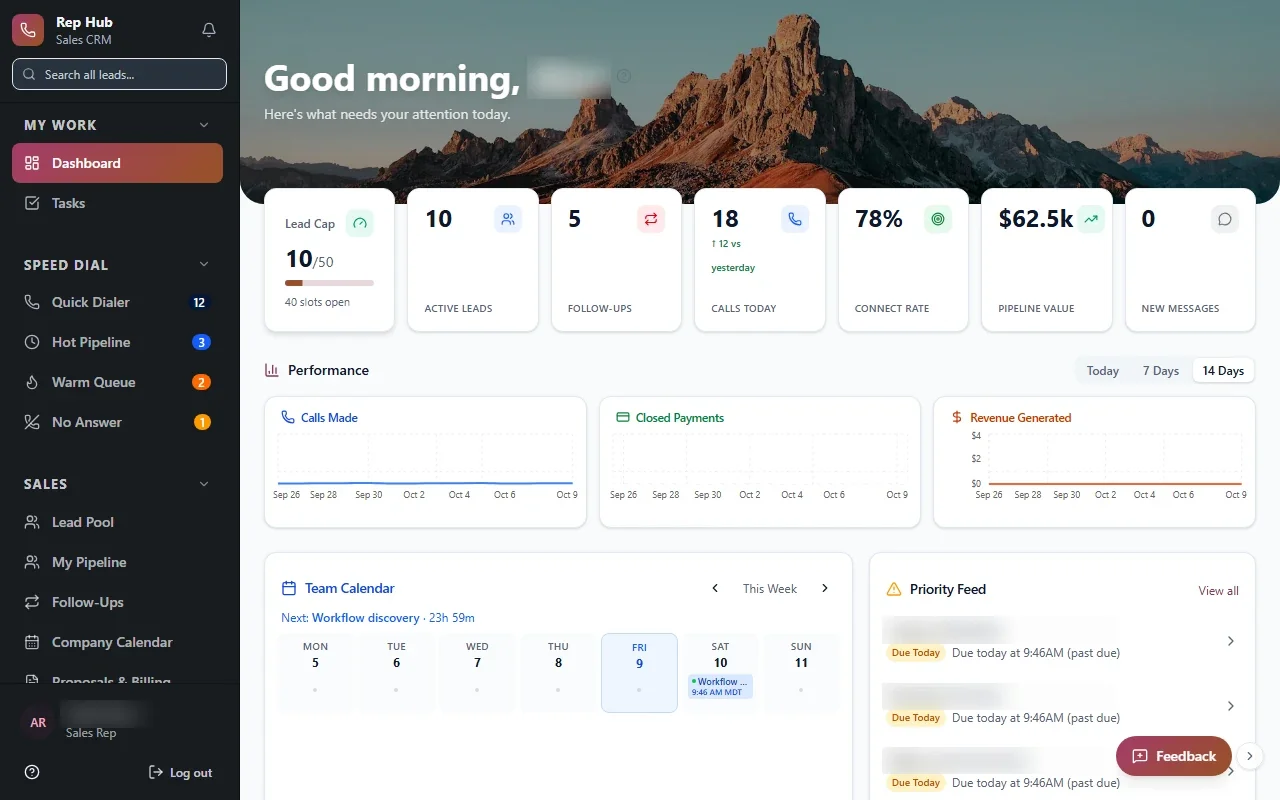
Where it helps, the same system can grow into door-to-door tools, commission tracking or a full rep platform. Rep Hub, a sales platform we built, shows how one record can carry a rep from recruiting through training, contracts and commissions.