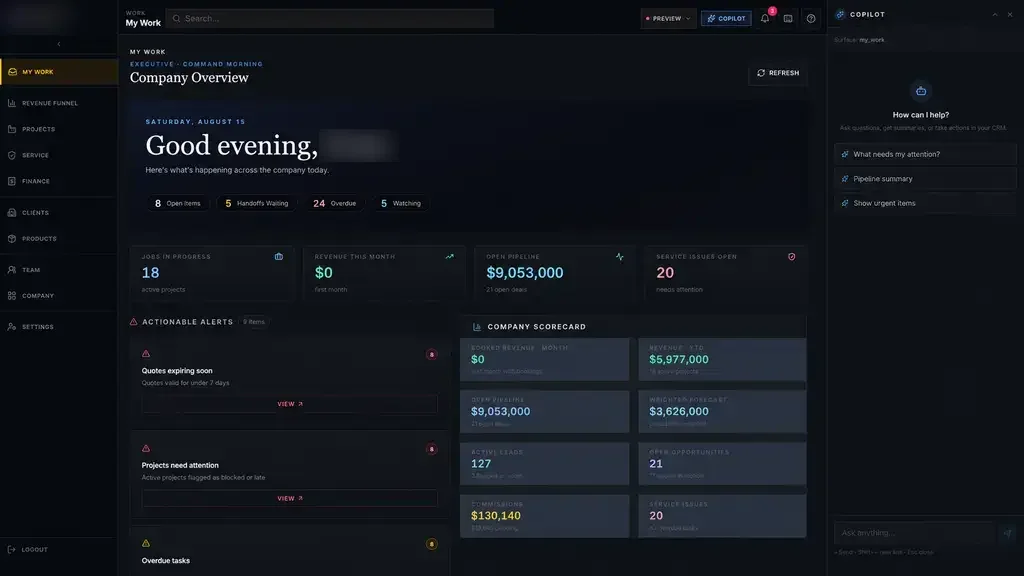
We put inspections, nonconformance reports, corrective actions, controlled documents and traceability on the same record as each job. When an auditor or a customer asks a question, the answer is a search away, with the photos, signatures and history attached.
What paper and spreadsheets cost a quality team
Paper inspection sheets work until someone needs to find one. A customer reports a problem with a part shipped months ago, and the quality manager spends an afternoon searching folders for the inspection record, the material certificate and the name of the inspector.
Nonconformances have a similar problem. A defect is found, someone sends an email, and the discussion spreads across inboxes. Was the part reworked, scrapped or used as is? Who approved it? Did the same issue happen last quarter? Without one record, nobody can say for certain.
- Inspection sheets filed in binders by date, not by job
- Nonconformances discussed over email with no clear owner
- Corrective actions opened and never verified
- Procedures printed and posted long after a revision
- Audit preparation that takes days of searching
Inspections recorded at the point of work
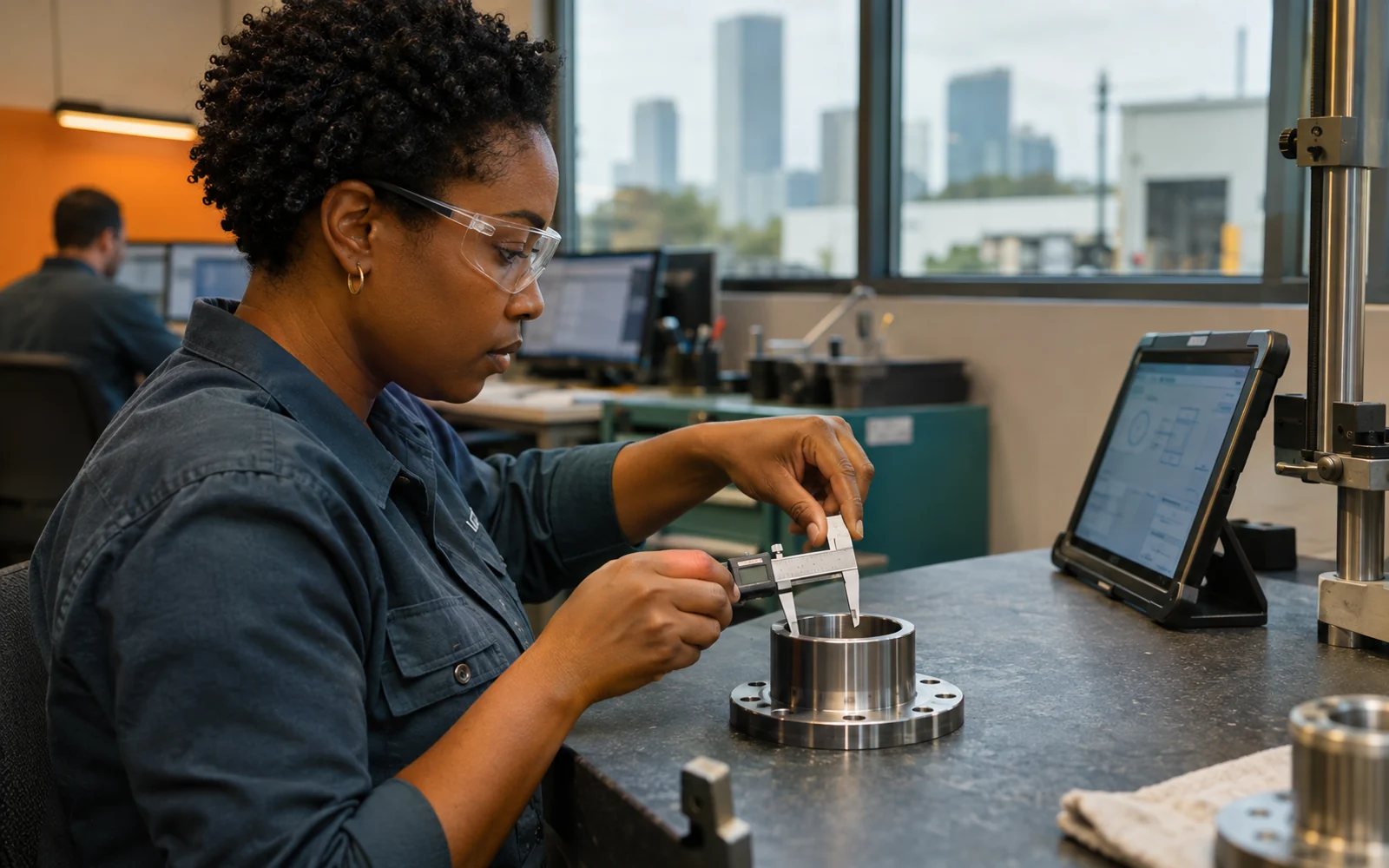
Inspectors and operators open the right checklist on a tablet for the job and step in front of them. Measurements are entered against the drawing's tolerances, and any value out of range is flagged immediately. Photos of welds, coatings or dimensions attach to the record.
The checklist changes with the product. A pressure test step appears only for parts that need it. A first article inspection is required on the first piece of a new revision. Hold points stop the job from moving to the next step until the inspection is signed, so a missed check cannot quietly ride along to shipping.
- 1 Inspection recorded
- 2 Defect flagged
- 3 Disposition decided
- 4 Action assigned
- 5 Fix verified
Nonconformances and corrective actions with owners
A failed check can open a nonconformance report on the spot, already linked to the job, part, lot and inspector. The report moves through containment, review and disposition, with a named owner at each step. Engineering decides whether to rework, repair, scrap or accept, and the software records who made that call and why.
When the same problem keeps appearing, a corrective action takes over. It tracks the root cause investigation, the actions agreed, the people responsible and the due dates. The action is closed only after someone checks that it worked, which is the step paper systems most often skip.
Quality management software built this way gives a Houston quality manager a short list each morning: open reports, overdue actions and repeat issues by part or supplier.
✕Inspection sheets filed in binders by date
✓Tablet inspections saved to each job with photos
✕Nonconformances argued over in email threads
✓One report per defect with an owner and disposition
✕Corrective actions opened and quietly forgotten
✓Due dates, reminders and a verification step before closing
✕Old procedure revisions still posted on the floor
✓Controlled documents with approvals and acknowledgments
✕Data books assembled by hand at shipping
✓Certificates and test records gathered from the job record
Controlled documents and training records
Work instructions, inspection plans and procedures live in the system with revision history. When a document changes, the new version goes through review and approval, the old one is retired, and the people who use it are asked to acknowledge the change.
Training records sit next to those documents. Before an inspector signs off a step, the system can check that they are trained on the current revision of the procedure. Supervisors can see who is due for refresher training without reading through a spreadsheet.
Floor screens always open the approved revision, so an operator never works from a printout that was replaced last month. If a revision is still in review, the current approved version stays in use until the new one is released.
Traceability from raw material to shipped part
Every inspection, nonconformance and signature is tied to the job, and the job is tied to the material it consumed. Heat numbers, lot numbers and serial numbers follow parts through each step, together with the certificates received with the material.
If a supplier reports a problem with a material lot, you can list every job and customer shipment that used it. If a customer asks for a data book, the inspection records, test results and certificates for their order can be gathered from the record instead of assembled by hand.
That reach back through the supply chain is where quality management software earns its place for a Houston shop that answers to demanding customers. A recall question or a supplier complaint becomes a report you run, rather than a week of digging through receiving files.
The system handles
- Opening reports from failed checks
- Reminders for overdue actions
- Requesting acknowledgment of new revisions
Your people decide
- Disposition decisions
- Root cause analysis
- Approving document changes
Audit trails, FDA-regulated work and how we build
Every record keeps a full audit trail of who created, changed or approved it and when. For FDA-regulated work, we build complete systems designed for 21 CFR Part 11, with secure electronic signatures, controlled access and audit trails that cannot be edited. Access is role-based, sign-in uses multiple factors, data is encrypted and activity is monitored.
Our quality management software projects for Houston manufacturers follow Discover, Design, Build, Launch, Optimize. We start on the floor with your inspectors and quality lead. The first release is focused, such as inspections and nonconformances for one product line, and your team records real inspections during Build. The code and records belong to you.