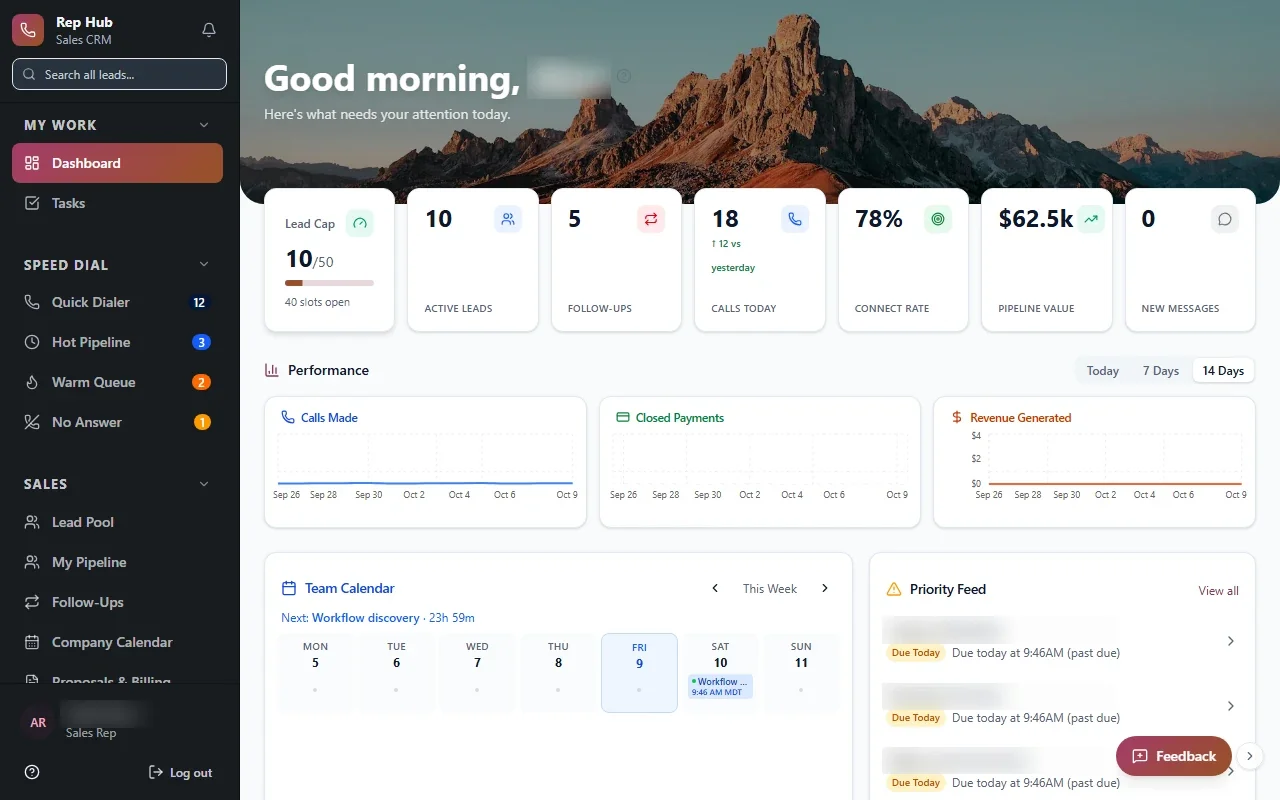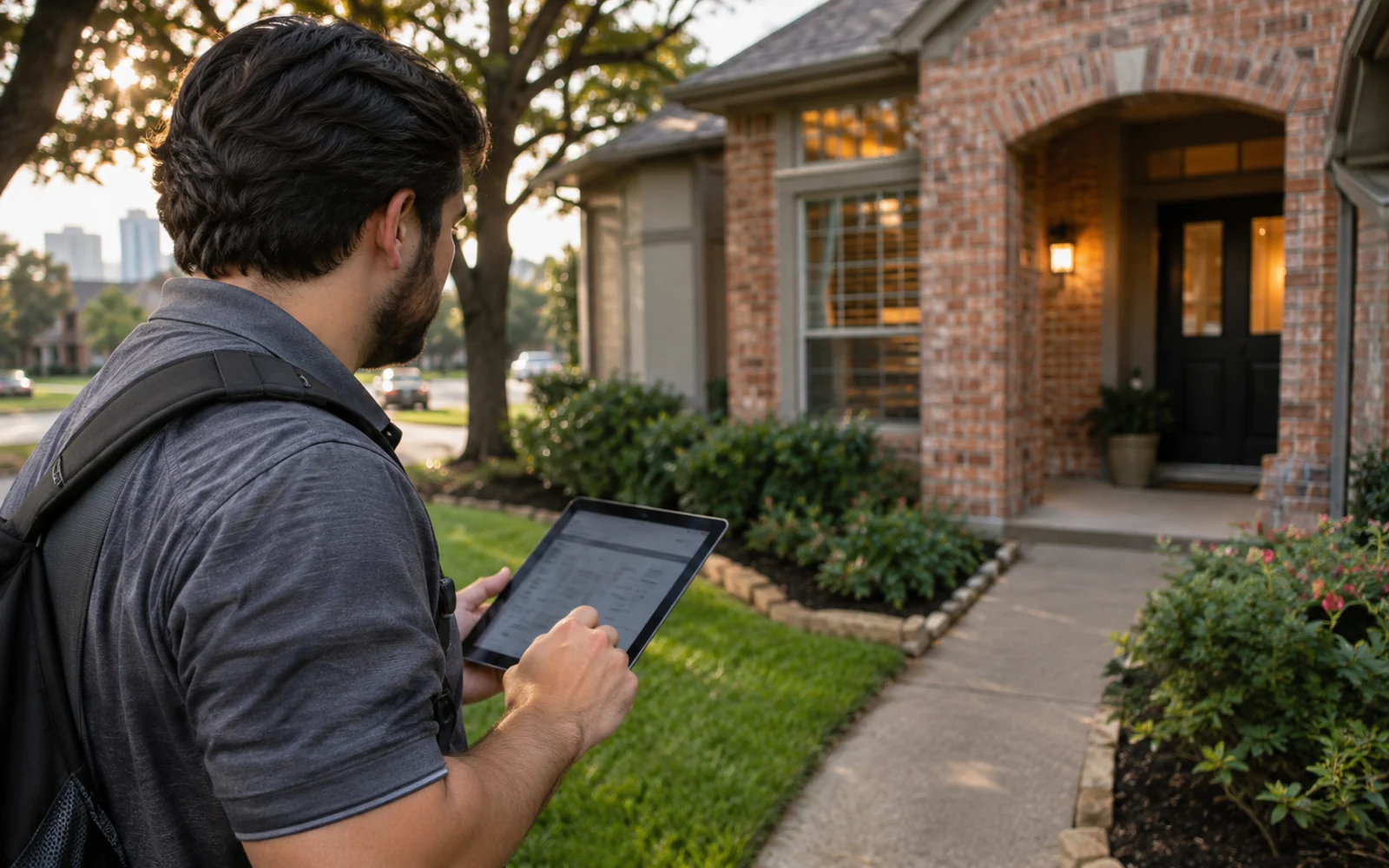
Bayou Thread Systems builds door to door sales software for Houston field teams who knock in the heat, work until dark and pass deals to an office that needs every detail. Reps get a simple phone app. Managers get a live view of territories, knocks and appointments. The office gets clean, complete deals.
What a rep needs at the door
Many teams try generic canvassing apps first and end up with data that stops at the door. The map lives in one tool, the proposal in another and the commission in a spreadsheet, so the office still retypes every deal.
A rep standing on a porch in Pearland in August does not want a long form. They need to see the next house, tap an outcome, add a short note and move on. If the app is slow or confusing, they stop using it and the data dries up.
So we design the rep screen first and keep it small: the map, the address, a few outcome buttons and a way to book an appointment or start a proposal on the spot. Everything the office needs later is captured in the background, such as time, location and the rep's name.
- One-tap outcomes like not home, not interested, come back, appointment and sold
- Notes and photos attached to the address, not lost in a camera roll
- Appointment booking with the customer's details already filled in
- Runs in the phone's browser, with no app store download required
Territories, maps and knock tracking
Every knock lands on a map. Managers assign neighborhoods or streets to reps or crews, and reps see only their own area. As the day goes on, the map fills in with outcomes, so anyone can tell which streets are done and which are still waiting.
Revisit rules stop the team from wearing out a neighborhood. A house marked not interested can rest for a period you choose, and a come back can return to the same rep at the right moment. Do-not-knock addresses stay hidden from everyone.
If you already manage territories in another tool, we can connect to it, or build territory planning into the same platform.
- 1 Rep knocks
- 2 Outcome logged
- 3 Appointment or sale
- 4 Office handoff
- 5 Commission credited
Built for Houston weather and patchy signal
Field days here are long and hot, and signal can drop in brand new subdivisions or at the edge of town. Door to door sales software for Houston crews has to keep working when the connection does not.
We design the app to save each knock on the phone first and sync when signal returns, so nothing is lost on a dead street in Katy or a new section of Cypress. Large buttons, high contrast and simple screens make it usable in bright sun and with one hand.
✕Reps track doors on paper or in a notes app
✓Each knock is logged on the map with one tap
✕Two reps knock the same house in the same week
✓Each rep sees only their own assigned streets
✕Sold deals arrive at the office missing details
✓Proposals and signatures are captured at the door
✕Managers find out at night how the day went
✓Live counts by rep and crew while the day runs
✕Commission totals start a weekly argument
✓Payouts follow the deals each rep logged
From a yes at the door to a clean handoff
The hardest part of field sales is often what happens after the yes. Details scribbled on paper, a photo of a utility bill sent by text, a proposal typed up later from memory. Each step is a chance to lose the deal.
We connect the door to the office. A sold outcome can open a proposal from your pricing, collect a signature and payment, and create the next task for the install or service team with everything attached. That is the same idea behind Rep Hub, where a contract that is signed and paid triggers delivery and commissions automatically.
With door to door sales software tied into the office, Houston staff stop chasing reps for missing details, and customers hear from the company sooner, while the conversation at the door is still fresh.
What managers see during the day
A field manager can watch the day unfold: who is out, how many doors each rep has knocked, and how many appointments and deals they have logged. Reps who stop logging stand out, and so do the ones having a strong day.
Leaderboards and contests can run on the same data, which tends to keep logging honest. A regional manager comparing crews in Katy and Baytown sees the same definitions for a knock, an appointment and a sale. At the end of the week the numbers already match what happened, so commission and payroll do not start with a spreadsheet argument.
- Live knock, appointment and sale counts by rep and crew
- Map of today's activity by territory
- Leaderboards built on logged outcomes
- Daily summaries for regional managers
The system handles
- Syncing knocks saved offline
- Resting streets that said no
- Creating office tasks from sales
Your people decide
- Assigning crews to areas
- Field coaching
- Conversations at the door
How a door-to-door project gets built
Every project moves through Discover, Design, Build, Launch and Optimize. Where it helps, part of Discovery happens on the street, because watching a rep work a block in Spring shows more about what the app needs than a conference room. The first release usually covers knock tracking, appointments and the handoff to the office.
During Build, a small group of reps uses the working app in the field and tells us what slows them down. Maps, payments, e-signature and CRM connections are built where the vendor's APIs or integration options allow. The code belongs to you, and so does every knock your team records.