Sales is one of our specialties, and commissions are where sales software shows whether its data can be trusted. If the system knows what was sold, by whom, and whether the customer has paid, it can work out pay. If it does not, someone ends up rebuilding the month by hand.
The month-end commission problem
In many sales teams, commission day looks the same every time. An administrator exports deals from the CRM, matches them against payments in accounting, applies the plan rules in a spreadsheet and emails each rep a number. Then the questions begin.
A rep says a deal is missing. A manager remembers agreeing to a different split. A cancellation from the previous period was never clawed back. Each question takes time to answer, and every wrong answer wears down trust in the whole compensation plan.
The cost is easy to underestimate. Administrator hours go into every run, managers spend their own time settling arguments, and good reps start wondering whether they are being paid fairly. That doubt can follow a strong rep out the door.
- Deals and payments matched by hand
- Plan rules kept in a spreadsheet or a memo
- Splits and overrides agreed by text
- Chargebacks and cancellations missed
- Reps unable to see how their pay was worked out
Commission tracking software that holds your plan rules
The heart of commission tracking software for a Houston sales team is the plan itself. We write down every rule you pay on: rates by product or tier, accelerators past a goal, splits between reps, manager overrides, setter and closer roles, draws and clawbacks. Those rules become settings in the system rather than formulas hidden in a cell.
When a plan changes, an administrator with the right role updates it with an effective date. Deals sold before that date keep the old rules, deals after it follow the new ones, and anyone can see which version applied to which deal. Mid-year plan changes stop being a source of confusion.
- 1 Deal signed
- 2 Payment received
- 3 Commission calculated
- 4 Approved
- 5 Paid and recorded
Commissions triggered by signed and paid deals
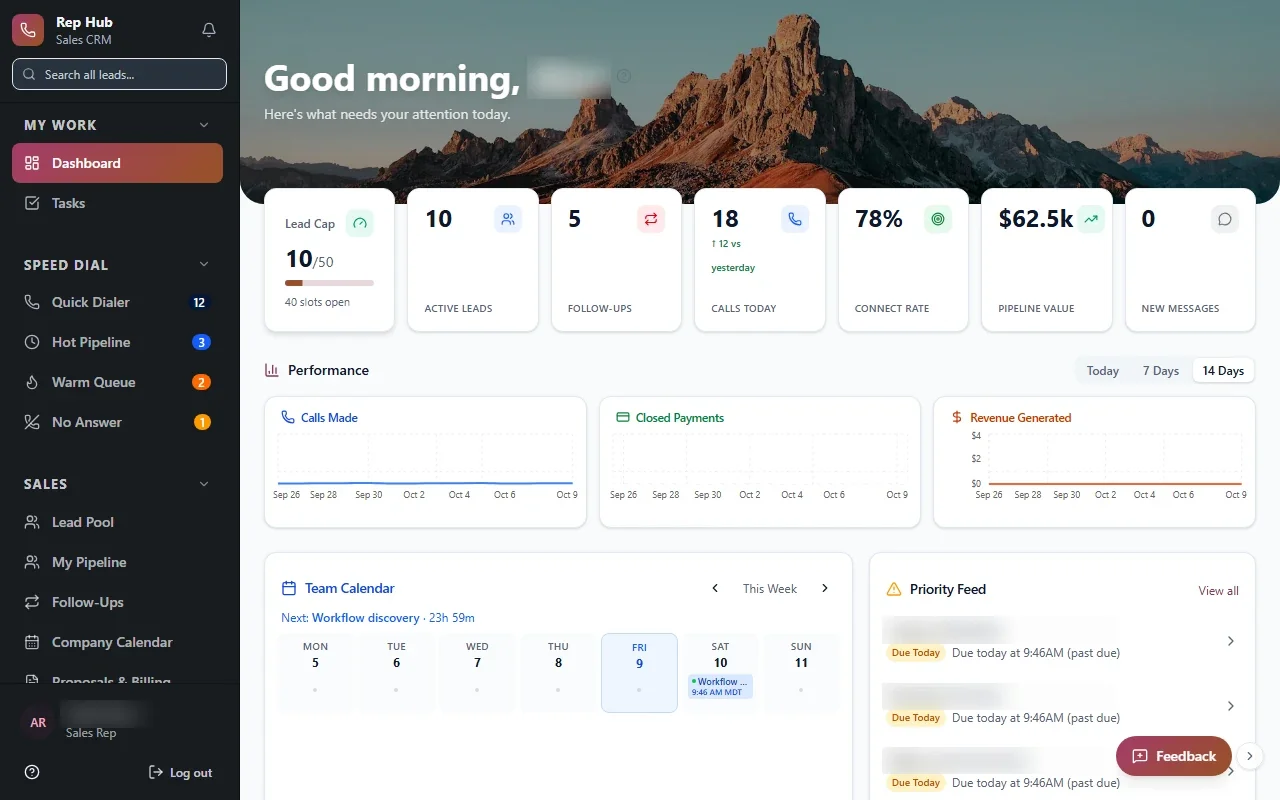
The most reliable trigger for a commission is a real event: a contract signed, a payment received, a job completed. In Rep Hub, a sales platform we built, a deal that is signed and paid triggers both delivery and the related commissions, so pay follows the same record the customer and the delivery team see.
That approach removes most month-end matching. When commissions are tied to the deal record, the system already knows who sold it, who set the appointment, which manager oversees the team and whether the customer has paid. If a deal is cancelled or refunded, the clawback comes from that same record.
We connect to your CRM, e-signature tool and accounting or payment system where the vendor's APIs or integration options allow. If your Houston team already runs a CRM it likes, the commission system can sit beside it instead of replacing it.
✕Deals and payments matched in a spreadsheet
✓Commissions triggered when deals are signed and paid
✕Plan rules remembered by one administrator
✓Rules stored in the system with effective dates
✕Splits and overrides agreed by text
✓Every role and share recorded on the deal
✕Cancellations discovered too late
✓Clawbacks calculated from the same deal record
✕Reps get one number by email
✓Reps open statements that show every line
Statements reps can read and check
A rep should be able to open a statement and understand it without calling anyone. Each statement lists the deals, the rule applied, the amount, any split or override and the status: pending, earned, paid or reversed. Reps see what is coming to them as well as what has already been paid.
When a rep thinks something is wrong, they raise a dispute on that specific deal. It goes to the right person with the details attached, and the answer is recorded. Over time the dispute log also shows which rules confuse people most, which is useful the next time you revise the plan.
Managers get a team view of the same information: who is on pace for an accelerator, which deals are holding up a payout and where disputes are still open. Commissions become part of the coaching conversation instead of a surprise at the end of the period.
- Earned, pending and paid amounts by deal
- Splits and overrides shown line by line
- Disputes raised against a specific deal
- Statement history reps can look back through
Approvals, payroll and a clear audit trail
Before money moves, someone should review it. Managers and finance can approve each commission run, adjust a line with a required reason and lock the period once it is paid. Each change carries a stamp showing the person and the time, which matters when a rep leaves or your accountant has questions.
Approved amounts can go to payroll as an export, or through a direct connection to your payroll provider where the vendor's APIs or integration options allow. Access is role-based, so reps see their own figures, managers see their team and finance sees everything, protected by encryption, multi-factor sign-in and monitoring.
The system handles
- Calculating commissions and splits
- Clawbacks on cancellations
- Building rep statements
Your people decide
- Approving commission runs
- Resolving disputes
- Setting compensation plans
How we build commission tracking software with your team
We use the same five steps on every project: Discover, Design, Build, Launch, Optimize. Discovery starts with reading your comp plans and walk through recent commission runs with finance and sales leadership, including the edge cases that cause disputes. Design shows you statements and admin screens before any code is written.
During Build we run real past periods through the new system and compare the results with what was paid, line by line. Each difference reveals either a bug or an unwritten rule, and both are worth finding before launch. The first release covers one plan or one team, and you own the code and data.
Optimize matters here as well. Compensation plans change as the business changes, and the system should make the next plan revision a settings update rather than a rebuild.