Manufacturing and industrial work is one of our specialties, and much of it ends up in the field: installation, commissioning, warranty calls and recurring maintenance. We build systems that carry the history of each installed asset into every service visit, from the day it goes in to the latest repair.
Why field service gets harder as you grow
With a handful of technicians, a whiteboard and a group text can hold things together. Add more crews, more customers and more service agreements, and the cracks start to show. Dispatchers juggle calls and spreadsheets. Technicians phone the office for gate codes and part numbers. Managers hear about a missed appointment when the customer complains.
Greater Houston adds its own pressure. A crew might start the morning in Katy, head to a plant off the Ship Channel and finish the day in The Woodlands. Every wasted trip across the region costs fuel and hours, and every return visit for a missing part costs goodwill you worked hard to earn.
- Jobs scheduled on a whiteboard or spreadsheet
- Technicians calling the office for site details
- Paper work orders, with photos sent by text
- Parts used on site never recorded
- Invoices waiting on completed paperwork
Dispatch and scheduling in field service management software
The dispatch board sits at the center of most field service management software, and for Houston crews spread across several counties it matters more than any other screen. Dispatchers see open jobs, technician availability, skills and location in one view. They can assign a job, move it when an emergency call comes in, and the technician's phone updates right away with the change.
Rules take care of the routine choices. A job that needs a certified technician only offers certified people. A visit under a service agreement can be scheduled automatically ahead of its due date. Customers can receive a confirmation and a reminder before the crew arrives, with a way to reschedule that does not involve a phone call.
- 1 Request logged
- 2 Job scheduled
- 3 Technician dispatched
- 4 Work completed
- 5 Invoiced and recorded
Mobile work orders technicians actually use
Technicians are the most important users, and often the least patient with clumsy software. Their screen shows the day's jobs in order, the address and site contact, the asset history and any notes from the last visit. Checklists guide the work, and photos, readings and signatures are captured on the phone.
Signal is never guaranteed inside a plant, a basement or a mechanical room. The mobile app saves work on the device and syncs when the connection returns, so nobody loses a completed checklist because the coverage dropped halfway through a job.
We also keep the screens short. If a field does not apply to this kind of job, it does not appear. A technician wearing gloves on a hot Houston afternoon should be able to close out a work order with a thumb, without zooming in or hunting for a save button.
- Job list, directions and site contacts
- Asset history and notes from earlier visits
- Checklists, readings and photos
- Parts used and time on site
- Customer signature at completion
✕Schedules on a whiteboard and group texts
✓A dispatch board that updates technicians' phones
✕Technicians call in for gate codes and part numbers
✓Site details and asset history on the job screen
✕Paper work orders driven back to the office
✓Checklists, photos and signatures captured on site
✕Parts used on site go unrecorded
✓Parts logged against the job and taken off stock
✕Invoices wait for paperwork at week's end
✓Completed jobs flow straight to billing review
Asset history from install through every service call
For manufacturers and installers, field service starts well before the first repair. When equipment goes in, the system can record serial numbers, configuration, site details and warranty terms against that asset. Each later visit adds to the same record, so the full story of the equipment is one tap away.
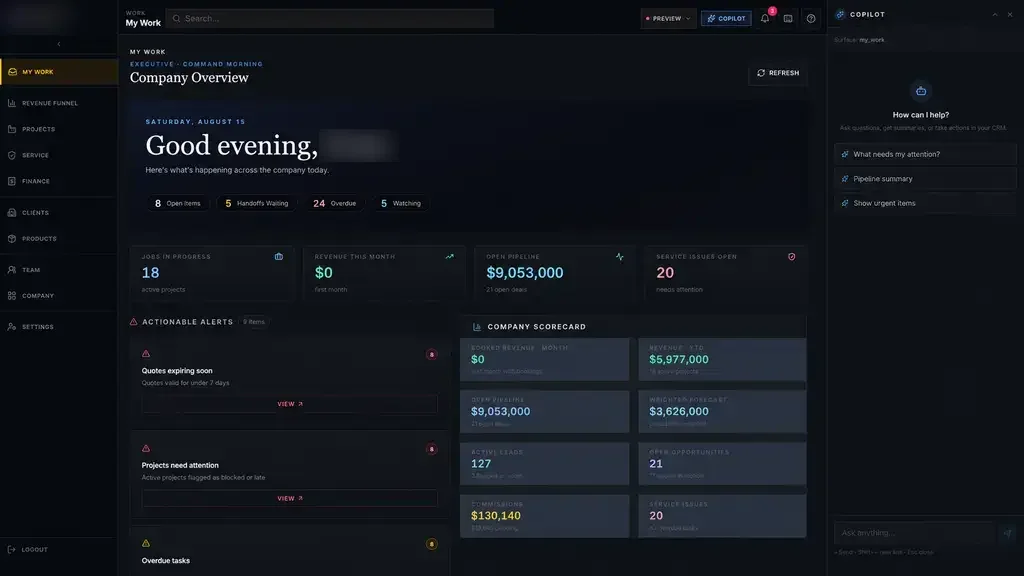
Our Industrial Operations Platform follows this pattern for a private industrial company. Each job moves from quote through production and installation into asset records and service, so a service ticket inherits the complete history of the equipment. Leaders manage by exception, seeing the overdue visit or the open warranty claim with an owner and a next action beside it.
Warranty claims work the same way. When a technician finds a covered failure, the claim can start from the work order with photos and readings attached, and whoever handles warranty sees it in their queue instead of in a forwarded email.
Closing the loop with parts, billing and the office
A job is not finished when the technician pulls away. Parts used should come off stock, time on site should reach payroll, and the completed work order should turn into an invoice. With field service management software built for a Houston operation, those steps start from the technician's completion screen rather than a stack of paper on Friday afternoon.
We connect to your accounting, ERP or inventory system where the vendor's APIs or integration options allow. If no direct connection exists, office staff get a clean export or a review queue, so they approve completed jobs rather than keying them in again.
Customers can have a view of their own as well. A simple portal lets them request service, see upcoming visits and download completed work orders, which cuts down on the status calls your office fields every day.
The system handles
- Scheduling recurring service visits
- Customer confirmations and reminders
- Sending completed jobs to billing
Your people decide
- Emergency dispatch decisions
- On-site diagnosis
- Customer conversations
How we build field service software with your crews
We work in five steps: Discover, Design, Build, Launch, Optimize. Discovery includes time with dispatchers and technicians, ideally on a real route, because the actual workflow rarely matches the process document. Design gives your crews screens to react to before anything is built.
The first release stays focused, often dispatch and mobile work orders for a single service line. Technicians test working software on their own phones during Build. You own the code and data, and we add service agreements, customer portals or inventory once the core is carrying real work.
At Launch we stay close to dispatch, because the first real emergency call is where gaps tend to show. Optimize then covers the requests your crews make once the system is part of their day.