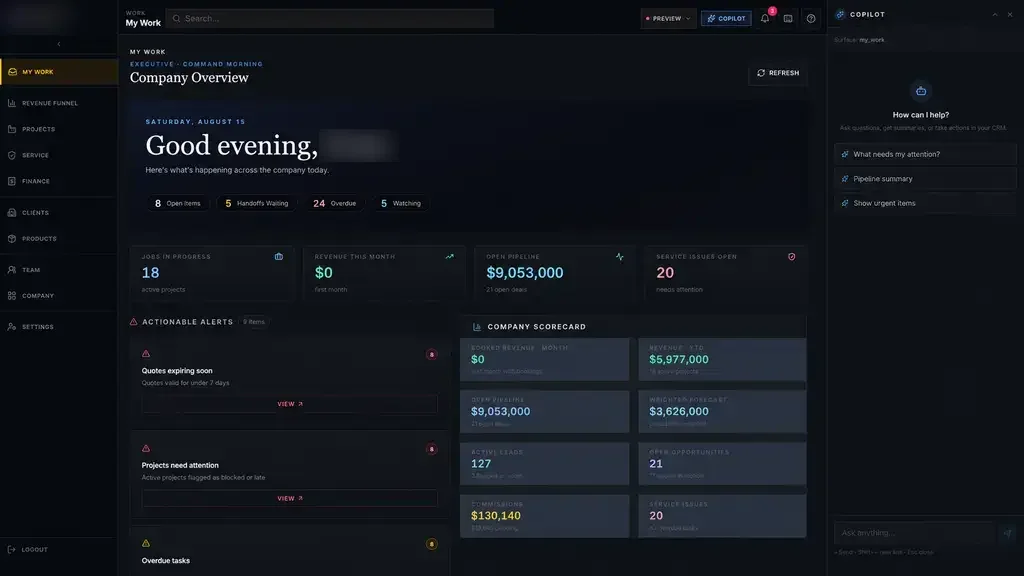
We connect stock to the work that consumes it. Bills of materials, purchase orders, receiving, bins and job allocations live in one place, so purchasing sees shortages before production does, and the shop floor stops discovering empty racks halfway through a job.
Where your stock numbers stop matching the shelf
Counts rarely go wrong in one big event. They drift. A crew pulls material for a rush job and forgets to record it. A partial shipment is received as complete. Offcuts go back on the rack with no record. A part moves to a staging area and the system still shows it in its old bin.
After a few weeks of this, nobody trusts the number on the screen. People walk the yard to check, order extra to be safe, and keep a private spreadsheet of what they know is really there. The system of record becomes a rough estimate.
- Material pulled for jobs without being recorded
- Partial deliveries received as complete
- Remnants and offcuts that never return to the count
- Stock moved between locations with no transfer
- Private spreadsheets kept because the system is not trusted
Stock tied to the jobs that need it
On hand is only half the picture. What matters to a planner is what is available: on hand, minus what is already promised to other jobs, plus what is on order and due before the job starts.
When a job is created, its bill of materials reserves stock or creates a demand for purchasing. Two jobs cannot quietly claim the same plate. A manager can see which open jobs depend on a late purchase order, and which material on the shelf is not promised to anything. For a Houston manufacturer juggling many active jobs, that view is the main reason to adopt inventory management software in the first place, and it replaces a lot of phone calls between the office and the floor.
- 1 Shortage found
- 2 Purchase approved
- 3 Delivery received
- 4 Stock put away
- 5 Issued to a job
Purchasing and receiving that close the loop
Shortages create purchase requests with the job, quantity and need date already filled in. A buyer reviews and approves them, groups them by supplier and sends the order. Approval limits follow your rules, so a large order goes to the right person.
At the dock, receiving checks the delivery against the purchase order on a phone or tablet. Short shipments, wrong items and damage are recorded with a photo before anything is put away. Mill test reports, certificates and packing slips attach to the receipt, so they can be found later by job, heat number or supplier.
✕Someone walks the yard to check whether material exists
✓Phone scans keep stock and locations current
✕Two jobs quietly count on the same material
✓Bills of materials reserve stock for each job
✕Shortages discovered when the crew goes to pull material
✓Shortages raise purchase requests with need dates
✕Certificates and packing slips filed in a drawer
✓Documents attached to each receipt and searchable later
✕One painful annual count with unexplained differences
✓Daily cycle counts with reasons and approvals
Bins, yards and scanning with the phones you already have
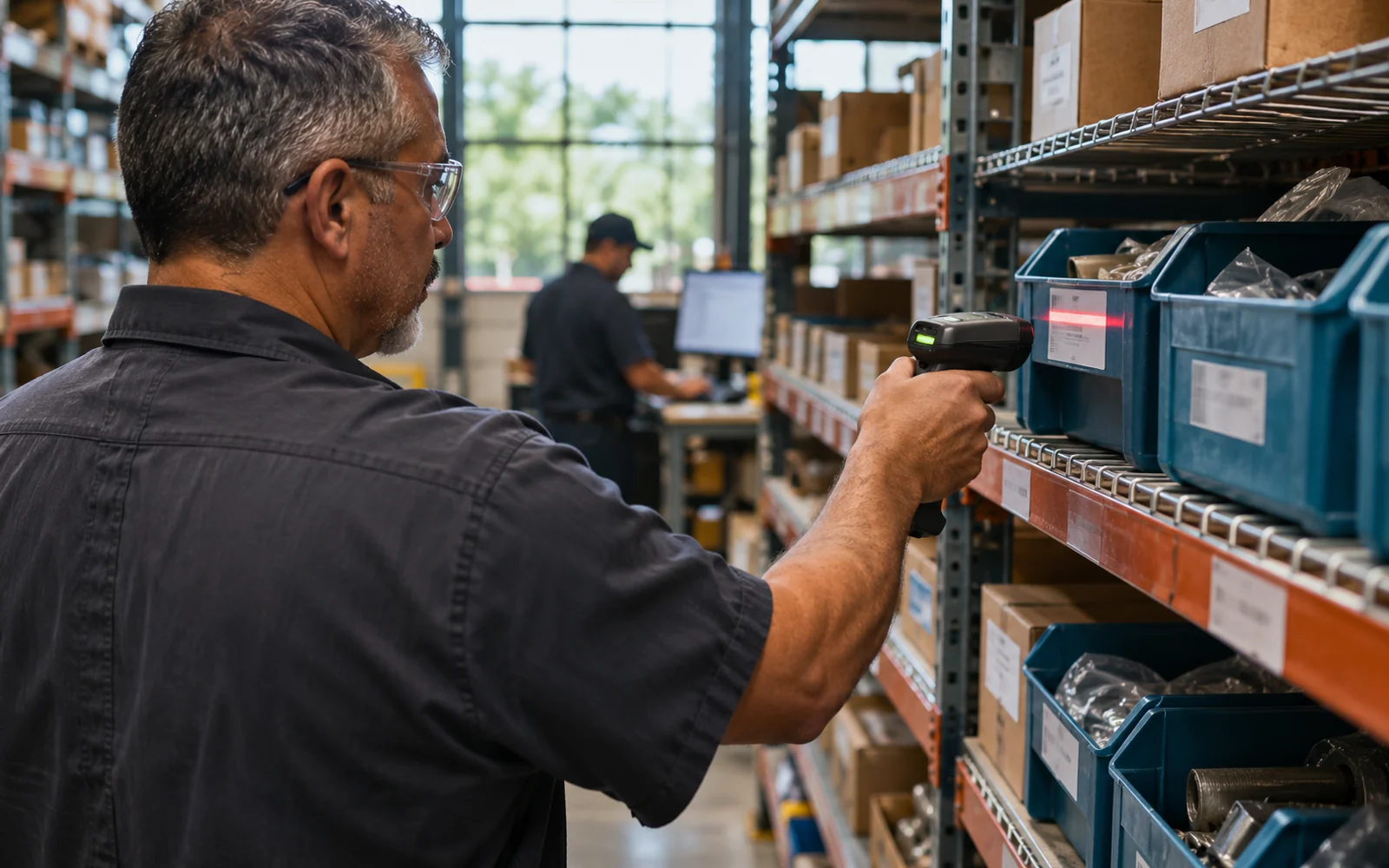
Every rack, bin, yard row and staging area gets a location, and every movement is recorded against it. Labels with barcodes or QR codes let a person scan a location and an item with a phone camera, so a move takes seconds and the count follows the material.
We design these screens for gloves, sunlight and bad signal. Scans can queue on the device when the yard has no coverage and sync once it reconnects. Dedicated scanners are an option, but many shops start with the phones in their crews' pockets.
Labels are printed from the system, so a new bin or a new item gets its code the moment it is created. When a rack is rearranged, the location record changes with it, and anyone searching for the item is pointed to the right place.
- Location labels for racks, bins, yard rows and staging
- Scan to pick, move, issue and return
- Offline scanning that syncs when the signal returns
- Remnant tracking with dimensions and photos
Cycle counts, adjustments and an honest audit trail
Instead of one painful annual count, the system can ask someone to count a few locations each day, starting with high-value or fast-moving items. Differences are recorded with a reason, and adjustments above a threshold you set need a manager's approval.
Every change to a quantity keeps who made it, when and why. When a number looks wrong, you can trace it back to the receipt, the issue or the adjustment that caused it. That history is often what finally makes inventory management software something your team trusts instead of something they work around.
The system handles
- Reserving stock for new jobs
- Raising purchase requests at reorder points
- Scheduling cycle counts
Your people decide
- Approving purchases
- Resolving count differences
- Accepting damaged or short deliveries
Connecting to accounting and your ERP, and how we start
Many companies keep an ERP or accounting system for costing and financial reporting. Our inventory management software can sit beside it, sending receipts, issues and valuations, where the vendor's APIs or integration options allow. When you are leaving an older system, we migrate item masters and balances in stages and check them against a count.
Our process runs Discover, Design, Build, Launch, Optimize, and Discovery starts on the dock and in the yard, watching how material really moves. The first release is focused, for example receiving and locations for one warehouse, and your team scans real material during Build. Your company keeps ownership of the code and every record in it.