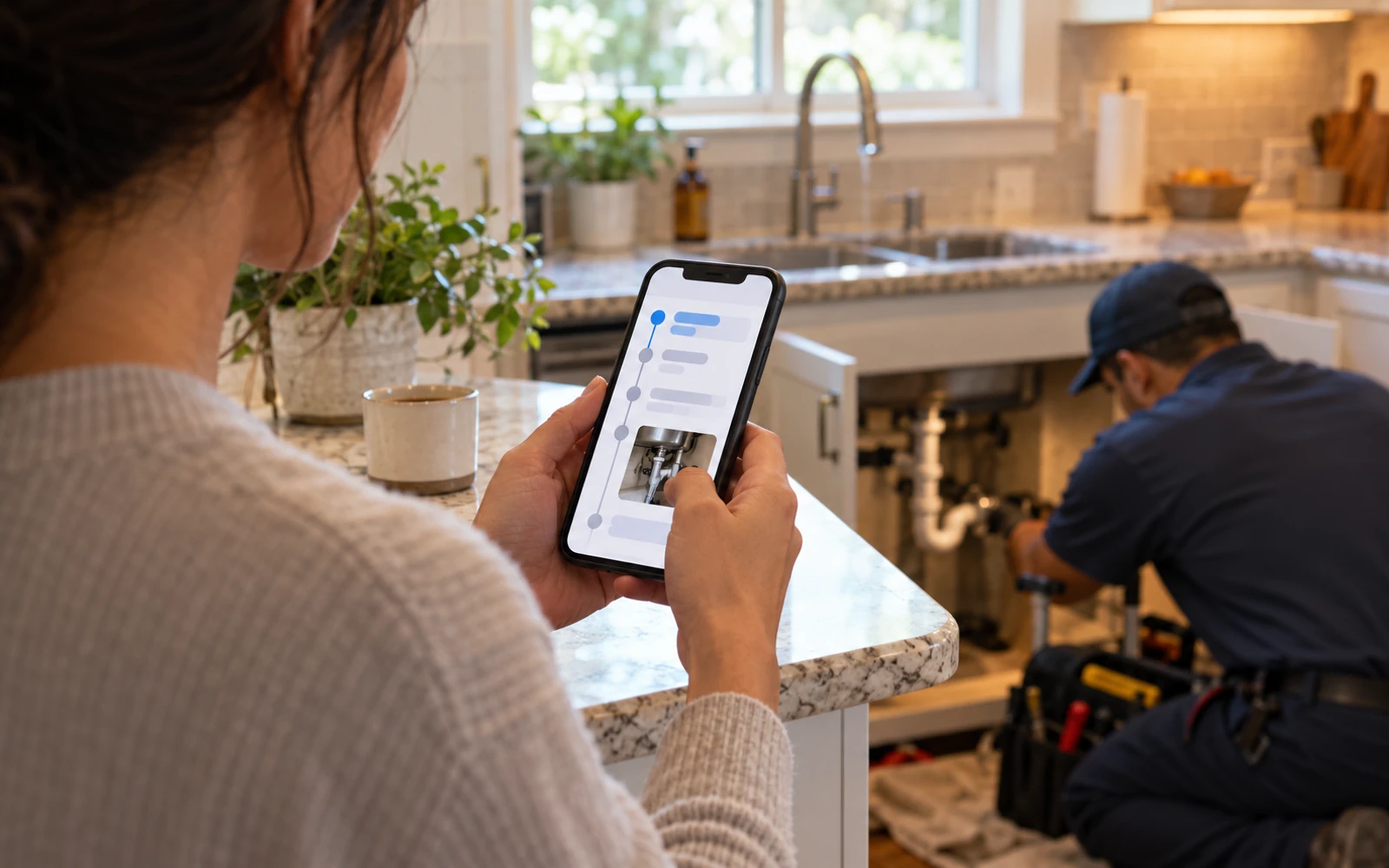
We build portals as a window onto the system your team already works in. The client sees what is meant for them, your staff see the full picture, and every request leaves a trail of who did what and when. Fewer "just checking in" emails is usually the first thing people notice.
Start with who is signing in
The first design question when we build client portal software for Houston companies is not about features. It is about the person on the other side of the login and what they came to do. A homeowner checking a repair needs something very different from a vendor uploading an invoice.
Many businesses have more than one audience, and each gets its own view over the same records:
Getting this right early saves rework later. Each audience brings its own words, devices and patience. A vendor on a job site wants two taps and a camera. An owner reviewing a quarter wants a clean summary and the documents behind it.
- Customers who want status, documents and a way to ask for help
- Patients completing forms and uploading insurance cards
- Property owners or investors following what happens at their buildings
- Vendors and subcontractors receiving work and sending back proof of completion
- Referring partners submitting work and checking where it stands
What client portal software usually includes
Most portals are built from a small set of pieces, chosen and arranged for your audience. Live status shows where each request, project or case stands. Request forms collect the right details and photos the first time. Approvals let clients agree to quotes or changes and keep a record of what was agreed.
Messages stay attached to the request they are about, so nobody digs through an inbox for context. Notifications tell people when something changes, and they link back to the portal rather than repeating private details in an email.
Pick the few pieces that answer the questions your clients ask most, then make those answers available at any hour without a phone call. A portal with three useful features gets used. One with twelve half-finished ones gets ignored, and the phone keeps ringing.
- 1 Client signs in
- 2 Sees their view
- 3 Submits a request
- 4 Team responds
- 5 Trail is recorded
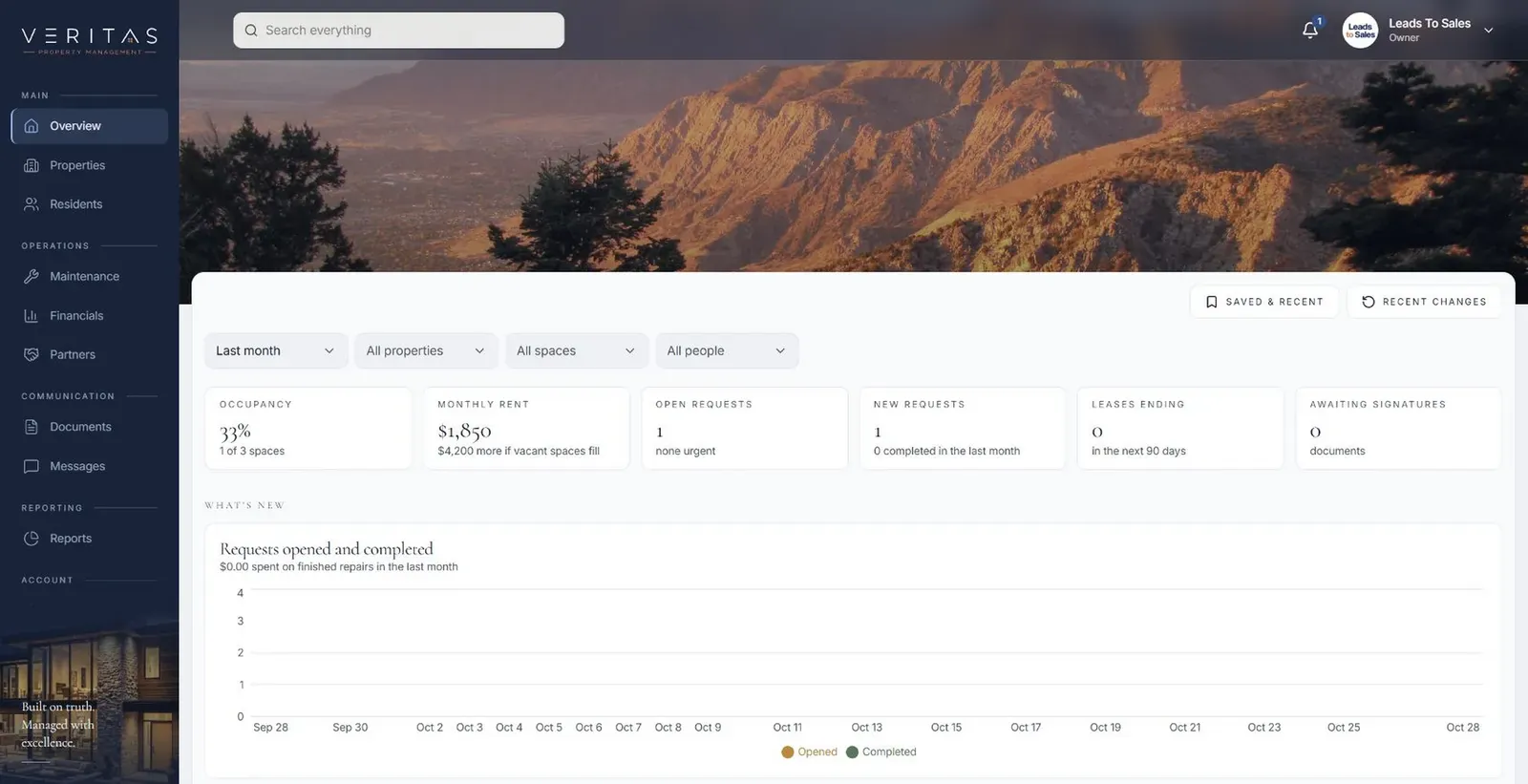
Veritas Property Management: three portals, one maintenance request
Our Veritas Property Management shows how client portal development works when several groups share one process. Tenants, property owners and staff each have their own portal. Tenants see their account, lease and documents, and can request help. Owners see what is happening at their properties. Staff manage both sides and get the work done.
The maintenance request is the thread that joins them. A tenant submits a request with photos. Staff review it, assign it and post updates, and the request is tracked through to closure. Each person sees the part meant for them, and internal notes stay internal. We have also proposed a later phase that brings vendors in for quotes, work orders, invoices and completion evidence.
✕Clients email asking for status updates
✓Clients see live status whenever they sign in
✕Documents scattered across email attachments
✓One current file, shared only with the right people
✕Requests arrive missing details or photos
✓Request forms collect details and photos up front
✕Approvals agreed by phone and never recorded
✓Approvals captured online with a name and date
✕Staff chase missing paperwork by phone
✓Checklists and reminders show what is still needed
Secure document sharing that replaces attachments
Email attachments create copies nobody can track. Secure document sharing inside a portal keeps one current version, shows who uploaded or viewed it, and limits access to the people who should have it.
We can add checklists of required documents, reminders for missing ones, and e-signature where your provider supports it. Files are encrypted in transit and at rest, and access is checked on every request, not only at sign-in.
For firms that collect the same documents every year or every project, a reusable checklist turns a messy back-and-forth into a short list the client can finish on their own schedule.
Portal features for patient administration
Many EHRs include a patient portal for results and clinical messaging, and that is often the right place for it. We focus on the administrative work around care: digital intake forms, insurance card uploads, referral status, appointment preparation and document collection.
These features are built for full HIPAA compliance, with role-based access, audit logs and careful hosting choices. We connect to your EHR where the vendor's APIs or integration options allow, and clinical decisions stay with clinicians. For practices across Greater Houston, from Sugar Land to The Woodlands, client portal software with these features can mean patients arrive with paperwork done and staff stop chasing it by phone.
The system handles
- Status updates to clients
- Document reminders
- Access by role
Your people decide
- Answering questions
- Approving changes
- Managing the relationship
Permissions, testing and the trail behind every action
A portal is only trustworthy if one client can never see another's information. Every record carries its own access rules, and we write automated tests that try to cross those lines on purpose. Staff roles are separate from client roles, so internal notes and pricing stay where they belong.
Sign-in can use email links, passwords with two-step verification, or your existing identity provider. Every view, upload, approval and change is logged, which helps when a client asks what was agreed.
Planning your first release
We start with one audience and one job done well, such as tenants submitting maintenance requests or clients uploading documents. During Build you and a few real users test working software, so the portal reflects how people actually use it. We then add audiences and features through Launch and Optimize. You own the code and the data throughout.
A good first release of client portal software for a Houston firm is small enough to launch quickly and real enough to change daily work. Once clients are using it, their questions tell you what to build next: the request type they ask for most, the document they forget, or the status they still call about.